I didn’t plan on writing a comparison between Topaz and UniFab. It started the way many real tests do: with frustration.
I had a collection of old SDR videos—some personal footage, some archival clips—that looked painfully flat on my HDR display. Colors felt muted, highlights were dull, and no amount of manual color grading gave me results that felt truly “HDR.” That’s when I decided to test two of the most talked-about AI solutions in this space: Topaz Video AI and UniFab Video Enhancer AI.
This wasn’t about picking a winner on paper. I wanted to know, as a real user, which tool actually delivered better results in day-to-day use.
Why Test Topaz vs UniFab?
Both tools claim intelligent AI-based enhancement, but their philosophies feel different. Topaz is well-known among professionals for its technical depth, while UniFab positions itself as a more streamlined, accessible solution. The real question for me was simple: which one gives me HDR results that actually look native, without endless tweaking?
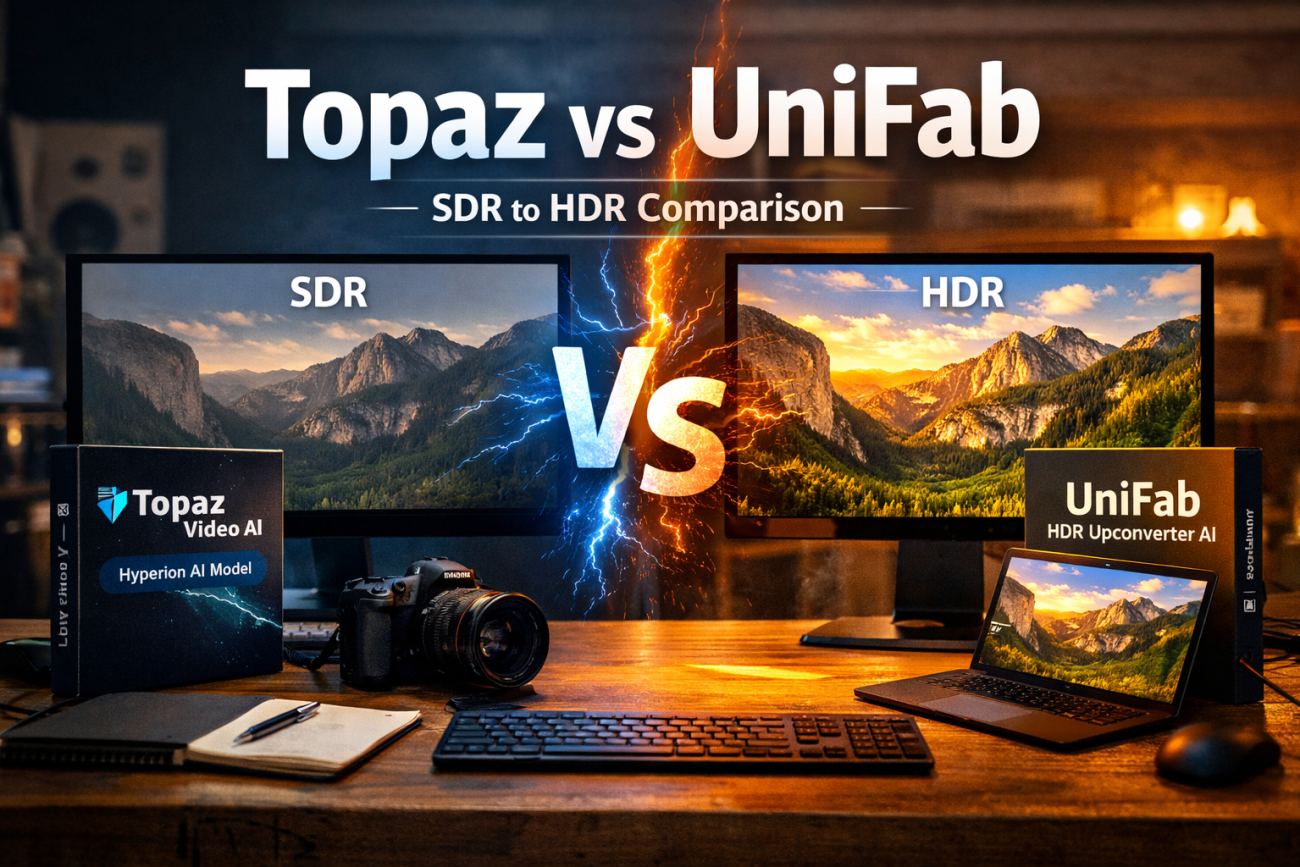
Topaz Hyperion vs UniFab HDR Upconverter AI
For the core test, I focused on SDR to HDR conversion, using Topaz’s Hyperion model and UniFab HDR Upconverter AI.
Visually, the results were surprisingly close.
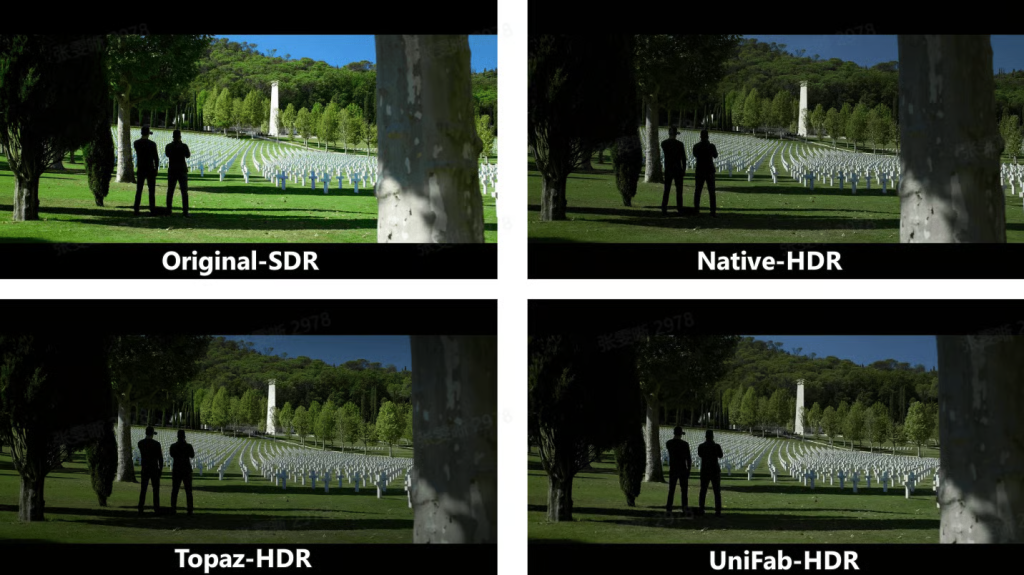
Both UniFab and Topaz handled highlight expansion and color depth extremely well. Bright areas gained realism without harsh clipping, and shadows retained detail instead of turning muddy. In many clips, the final output from both tools looked very close to native HDR footage, especially in natural scenes like skies, landscapes, and indoor lighting transitions.
That said, my experience differed in workflow. Topaz Hyperion offers more technical controls, which is great if you enjoy fine-tuning. UniFab, on the other hand, felt more “set it and trust it.” With UniFab HDR Upconverter AI, I spent less time adjusting parameters and more time actually exporting usable results.
Pricing: A Bigger Difference Than I Expected
This is where the contrast became much clearer.
Topaz only offers subscription-based pricing, which can add up quickly if you’re not using it year-round. UniFab, however, offers a lifetime license, which immediately felt more user-friendly—especially for creators who prefer a one-time purchase.
Even better, UniFab provides a 30-day free trial with no watermark, which made my testing far more honest. I could export full-quality HDR videos and evaluate them properly, something I couldn’t fully do with Topaz without committing financially.
| Aspect | UniFab HDR Upconverter AI | Topaz Video AI (Hyperion) |
| Primary Use Case | One-click AI-powered SDR to HDR conversion | Advanced video enhancement with multiple AI models |
| SDR to HDR Quality | Very close to native HDR, balanced highlights and shadows | Very close to native HDR, strong dynamic range |
| AI Model for HDR | Dedicated HDR Upconverter AI | Hyperion model |
| Visual Consistency | Stable, natural HDR look across scenes | High-quality but may require tuning for consistency |
| Ease of Use | Beginner-friendly, minimal parameter adjustment | More complex, steeper learning curve |
| Manual Controls | Limited (AI-driven automation) | Extensive manual controls |
| Workflow Speed | Faster setup and export for SDR→HDR tasks | Slower due to model selection and fine-tuning |
| Pricing Model | All-In-One: $319.99 for lifetime UniFab HDR Upconverter AI: $124.99 for lifetime | Subscription only: $299/year |
| Free Trial | 30-day free trial with no watermark | Limited trial, watermark or feature restrictions |
| Best For | Users who want fast, reliable HDR results | Power users who prefer deep customization |
| Overall User Experience | Efficient, cost-effective, practical | Powerful but less beginner-friendly |
Final Thoughts as a Real User
If you enjoy deep technical control and don’t mind subscriptions, Topaz remains a powerful option. But if you value efficiency, cost transparency, and consistently strong HDR results, UniFab left a better overall impression during my testing.
For anyone deciding between the two, I’d strongly recommend reading a deeper UniFab vs Topaz breakdown before choosing, especially if SDR-to-HDR conversion is your main use case.
In the end, both tools are capable—but only one felt designed around how I actually work.